A Simple Trip Expense System for Long-Haul Truck Drivers

A long trip can generate a surprising amount of financial clutter. A fuel receipt goes into a jacket pocket, a parking charge appears on a different card, and a small repair is remembered only after the next settlement arrives. None of these items seems difficult on its own. The trouble comes when a driver tries to reconstruct several weeks of spending from memory. A practical expense routine captures the details while they are fresh, connects them to the trip, and keeps personal spending separate from business records.
Start with the reason for keeping the record
Expense records can serve several different purposes: company reimbursement, operating-cost review, bookkeeping, and preparation for a conversation with a tax professional. Those purposes overlap, but they are not interchangeable. A company driver may need a receipt to claim an approved parking charge, while an owner-operator may need to understand the cost of a particular lane. Decide which questions your system must answer before choosing an app. A complicated dashboard is unnecessary if the underlying receipts cannot be matched to the correct trip.
The IRS overview of business recordkeeping explains the role of supporting documents and orderly records. It does not mean that every purchase made during a trip is automatically deductible. Keep the evidence first, then apply the rules appropriate to the business with qualified advice where needed. Treat this article as an organizational workflow, not a tax determination. A clean record makes those later decisions easier without pretending that a category label settles them.
Give every trip a simple reference
Use a recognizable trip or load reference across receipts, notes, and settlement records. Add the date and a short description so the record can be found without opening every file. A useful entry identifies the merchant, amount, payment method, business purpose, and the relevant truck or trip where appropriate. Keep the original information instead of replacing it with a remembered total at the end of the week. Small details become much harder to verify after several similar stops.
Separate the document from the summary. A spreadsheet row can show the amount and category, while the saved receipt provides the supporting detail. Link them through a file name or reference number that remains understandable outside the application. This is especially helpful if records later move to an accountant or a different software system. Avoid a setup in which the only copy of a receipt exists inside a phone app with no practical export method or dependable account recovery.
Capture receipts at the stop
Once safely parked, check the receipt before leaving the counter or payment terminal. Confirm that it is readable and belongs to the correct transaction. If information is missing or the paper has not printed clearly, resolve it while the merchant can still help. Fuel receipts may need additional details for the carrier's fuel-tax reporting process, so use that process rather than assuming a bank transaction line contains everything required. Ask the office which fields must be retained for the actual operation.
Scan the full receipt on a flat surface with even lighting. Open the saved image to make sure the total, date, merchant, and other needed details can be read. Long receipts may require more than one image, and faint thermal paper may fade before the end of a trip. Keep paper originals according to the applicable policy rather than discarding them immediately after photographing them. Upload through the approved channel and confirm successful transfer before assuming the record is available elsewhere.
Use a small set of consistent categories
Choose categories that help explain the business without forcing every stop into a new label. Fuel, parking, tolls, maintenance, supplies, and other operation-specific groups may be useful starting points. Keep personal purchases distinct even when they are made during the same stop. If a receipt contains both business and personal items, record the distinction clearly instead of assigning the entire total to the trip. Consistency makes comparisons more useful than a long list of overlapping categories.
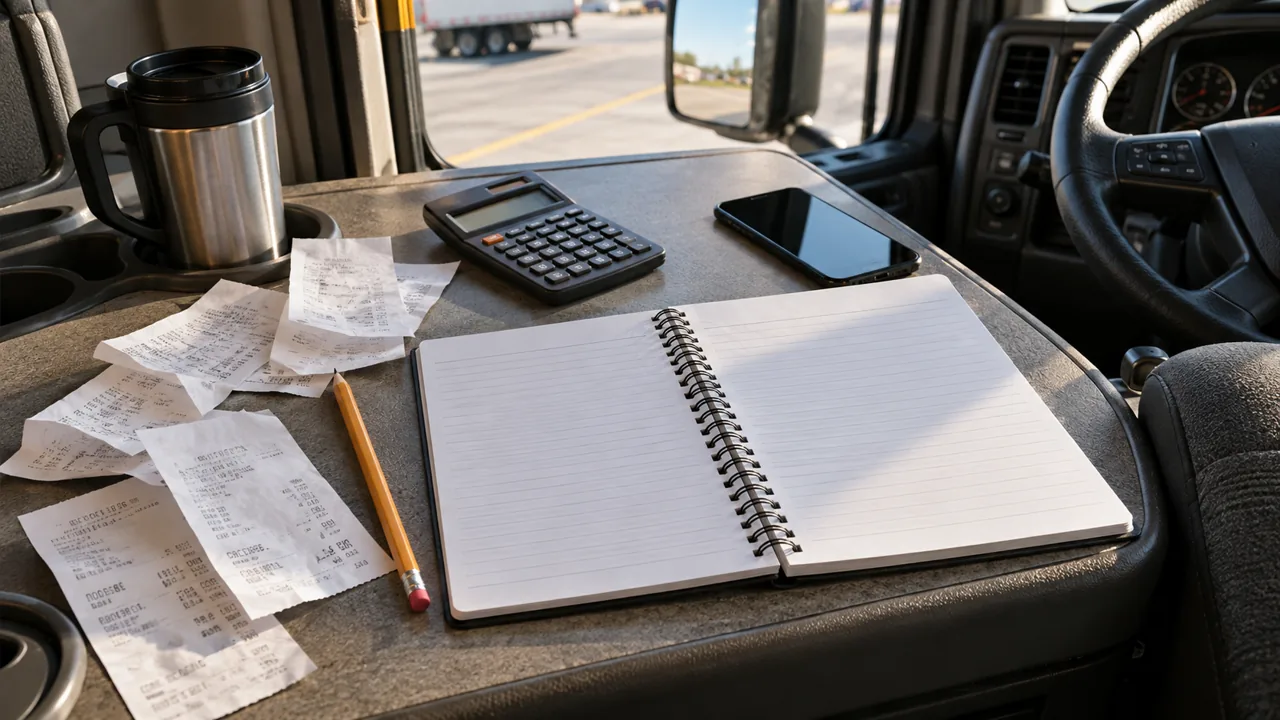
Do not let a convenient category make a legal or tax decision for you. Meals, travel expenses, equipment purchases, and reimbursements can have different treatment depending on the circumstances. The IRS Publication 463 resource page provides official information on travel and related expenses, but individual situations still require careful application. Save the facts needed for review and ask your bookkeeper how to classify uncertain items. Guessing repeatedly creates a cleanup job that grows each month.
Match charges to statements and settlements
A weekly review should compare the receipt list with card transactions and any company settlement. Look for duplicate entries, missing charges, refunds, and payments made through another account. A receipt and a card line usually represent the same expense, not two separate costs. Mark that relationship clearly. If a parking charge was later reimbursed, keep the reimbursement connected to the original transaction so a lane-cost review does not count money the driver ultimately recovered as an unreimbursed loss.
Check company-paid and driver-paid charges separately. A fleet fuel card transaction may appear in a report even though the driver did not pay it personally. Conversely, a small cash purchase may be absent from the card statement but still need documentation. Keep explanations factual and short. If a settlement deduction is unclear, ask about it while the trip is recent and the reference number is available. An organized question with the relevant receipt is easier for payroll or dispatch to resolve.
Keep the system usable without a strong signal
The cab does not always have dependable internet access. Choose a workflow that can capture a receipt offline and synchronize later, or keep an approved temporary paper folder until upload is possible. Know how the application indicates that a file has actually reached its destination. A thumbnail on the phone is not proof of a completed backup. Protect the device with a secure screen lock and keep business account recovery information available through a safe method.
Make periodic exports in a format the business can still open if the subscription or device changes. A monthly folder containing readable documents and a clear summary can be more resilient than an elaborate system with no export plan. Keep backups in the approved location and limit access to people who need the records. Receipts and statements may contain payment information and travel patterns, so they do not belong in public photo albums or shared social-media folders.
Use the records to improve the next trip
Once the records are complete, compare trips using a consistent basis. A longer route may have higher fuel spending but lower parking costs or less unpaid waiting. A single unusually expensive stop should not determine a permanent purchasing decision without context. Look for repeated patterns: emergency supply purchases, avoidable convenience charges, duplicate subscriptions, or a maintenance expense that keeps returning. The purpose of review is to identify practical questions, not to create a contest for the lowest daily total.
Set a short closeout routine after each trip and a regular review before the records become stale. Capture, label, match, and resolve uncertainties while the details are available. A driver does not need to spend every evening bookkeeping, but a few consistent actions prevent a large backlog. Reliable records make reimbursements easier to follow, help the business understand its operating costs, and give a tax professional the facts needed to advise correctly. That is a better return on the driver's time than sorting a month's worth of faded paper at the last minute.